← 3️⃣ – 📆 – Agenda electrònica
Step-by-Step Process
- Open the Gmail App Look for and open the Gmail app on your mobile device.
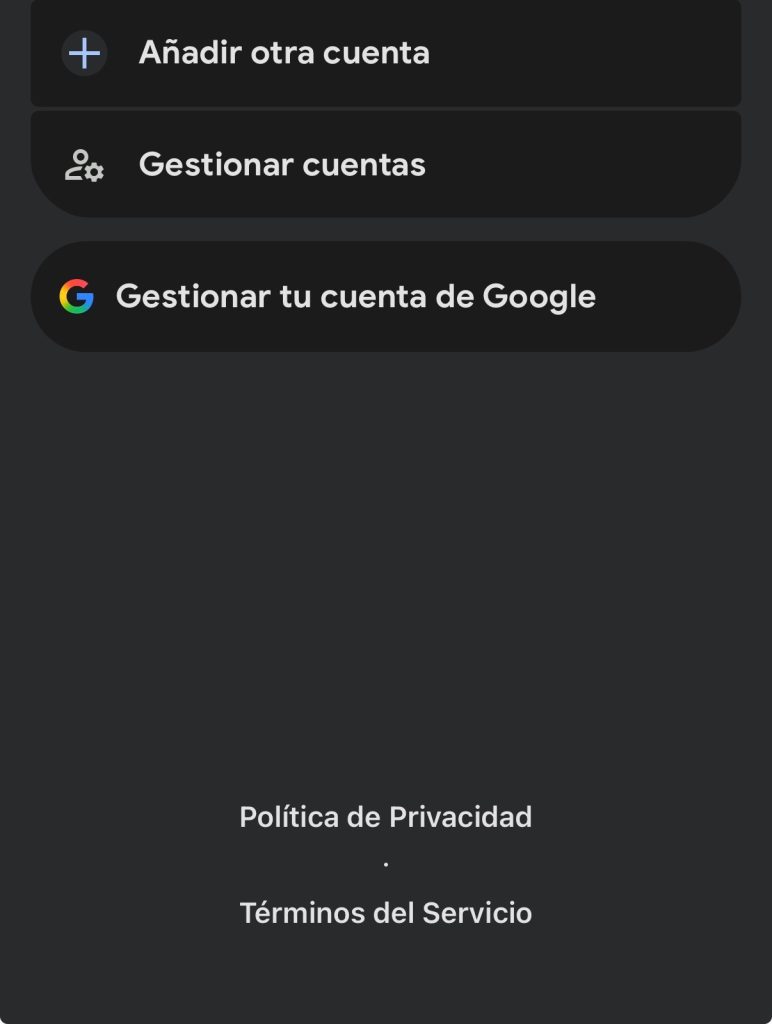
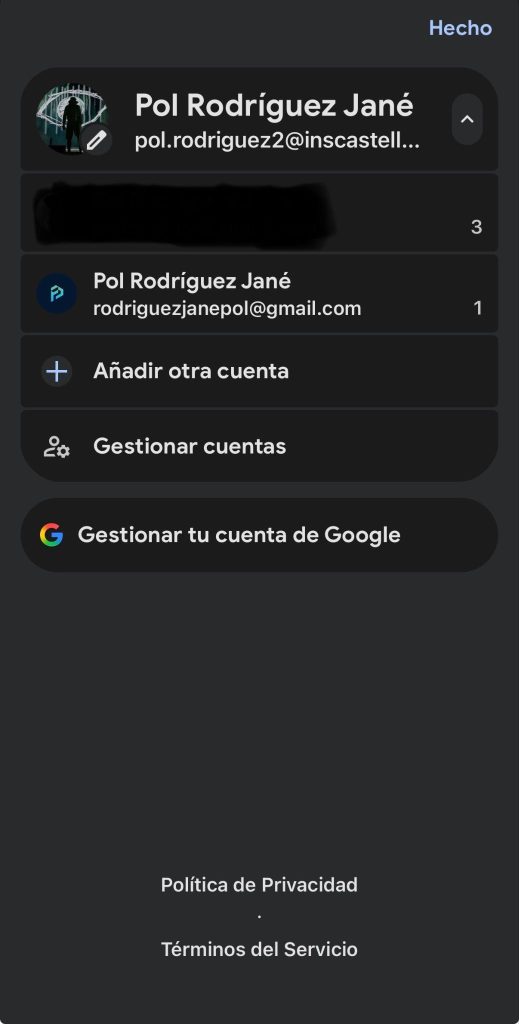
- Access Account Management Tap your profile picture or the circular icon with your initial, located at the top right of the screen. In the drop-down menu, select the option Add another account.
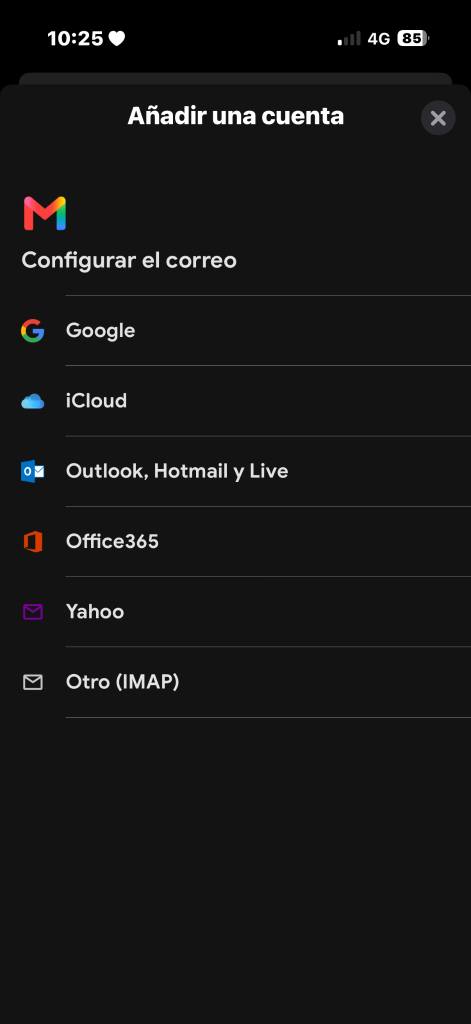
- Select the Email Provider On the “Set up email” screen, choose your personal provider:
- Google: For personal addresses ending in @gmail.com.
- Outlook, Hotmail, and Live: For personal Microsoft accounts.
- Yahoo: For personal Yahoo accounts.
- Other (IMAP/POP3): If you use a personal email with your own domain or another webmail/internet provider.
Enable Chat in Gmail In the account settings menu, look for the General or Chat section. Find the Chat option (or Show the Chat and Spaces tabs) and check the checkbox or toggle the switch on.
Enter Access Credentials Type your full personal email address and tap Next. Enter your password.
Security Verification / Two-Step Verification (Optional) If you have extra protection enabled on your personal email, approve access from the mobile notification or enter the code received via SMS/authenticator app.